

Connectors vs Ingestion Sources:
- Connectors (this page) enable agents to act on external systems—create, update, delete resources
- Ingestion Sources populate the Context Graph with data for analysis and exploration
Available Connectors
How Connectors Work
Connectors provide credential-based access for Kubiya’s AI agents. When an agent needs to perform an action on an external system, it uses the stored credentials to authenticate securely.- API Keys — For services like AWS, Datadog, PagerDuty
- OAuth Tokens — For services like GitHub, Slack, Jira
- Service Accounts — For Kubernetes clusters
- IAM Roles — For cross-account AWS access
Adding a Connector
Click Add Connector to open the configuration wizard.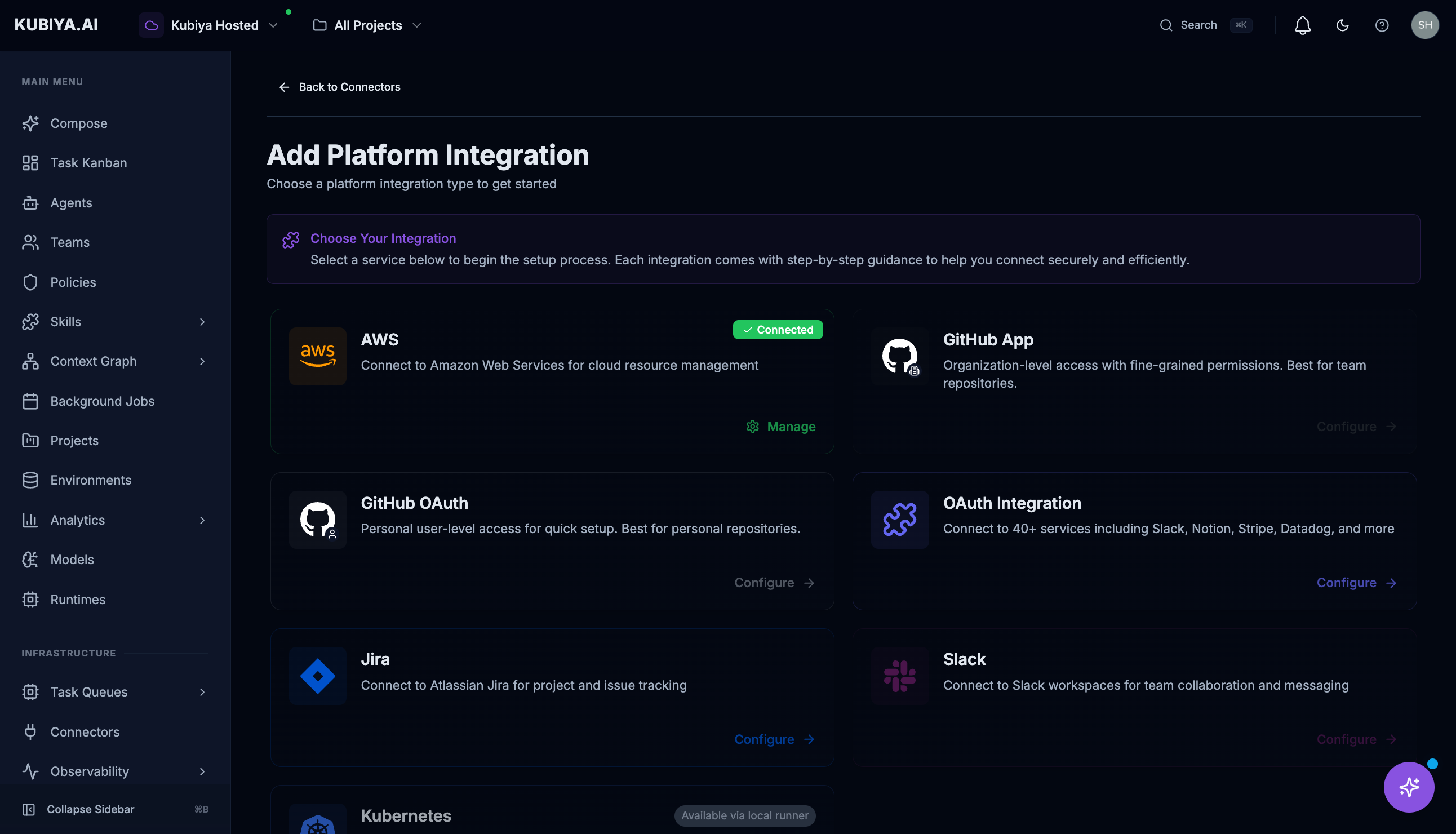
AWS Connector
The AWS connector enables agents to manage your cloud infrastructure. Setup requires creating an IAM role with a trust relationship to Kubiya’s AWS account. See the full AWS setup guide →GitHub Connector
Two options are available: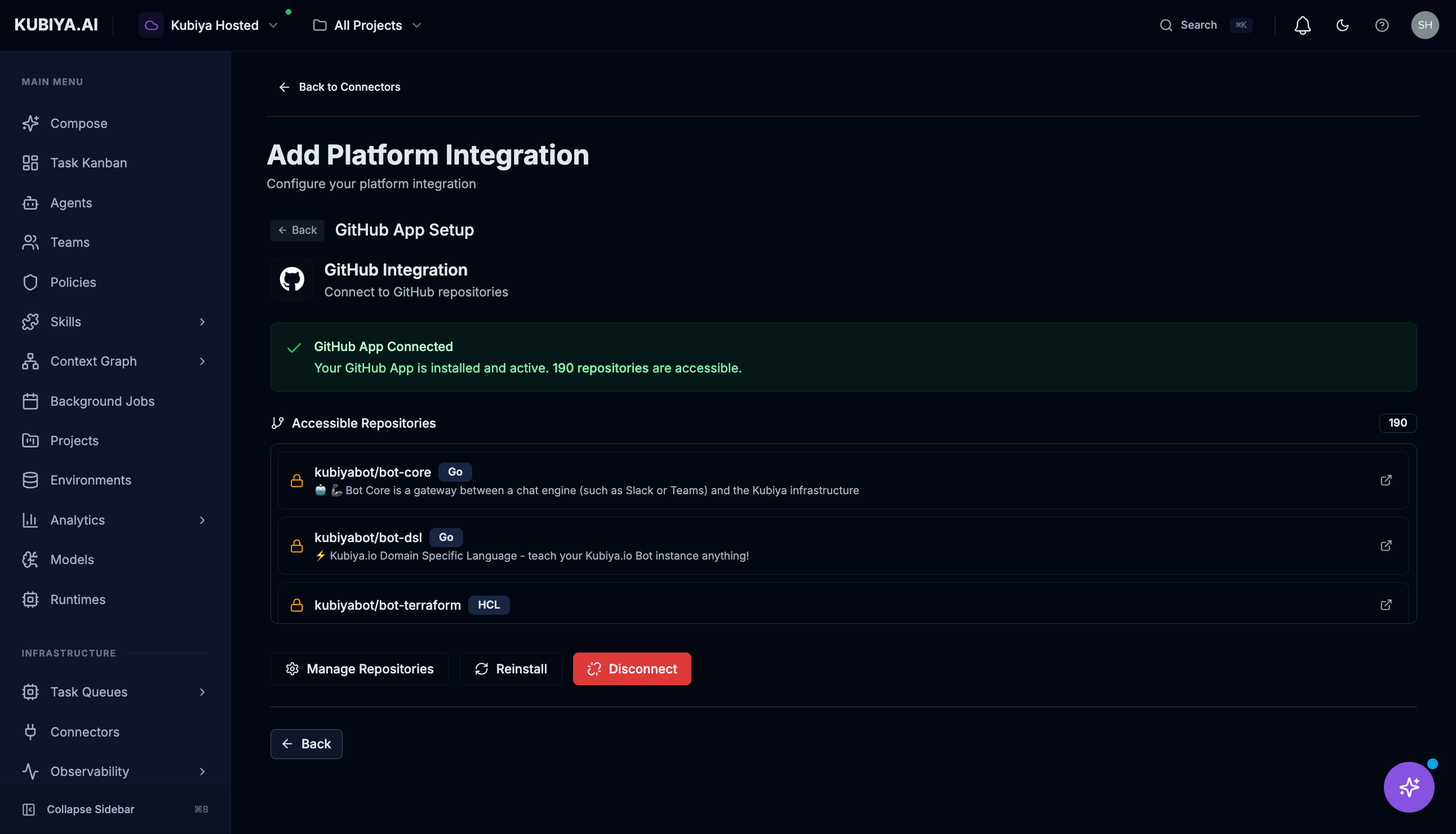
- GitHub App — Recommended for organizations. Provides granular permissions and doesn’t rely on individual user tokens.
- GitHub OAuth — For personal access. Uses your GitHub account’s permissions.
Slack Connector
Connect Slack workspaces for team collaboration and messaging.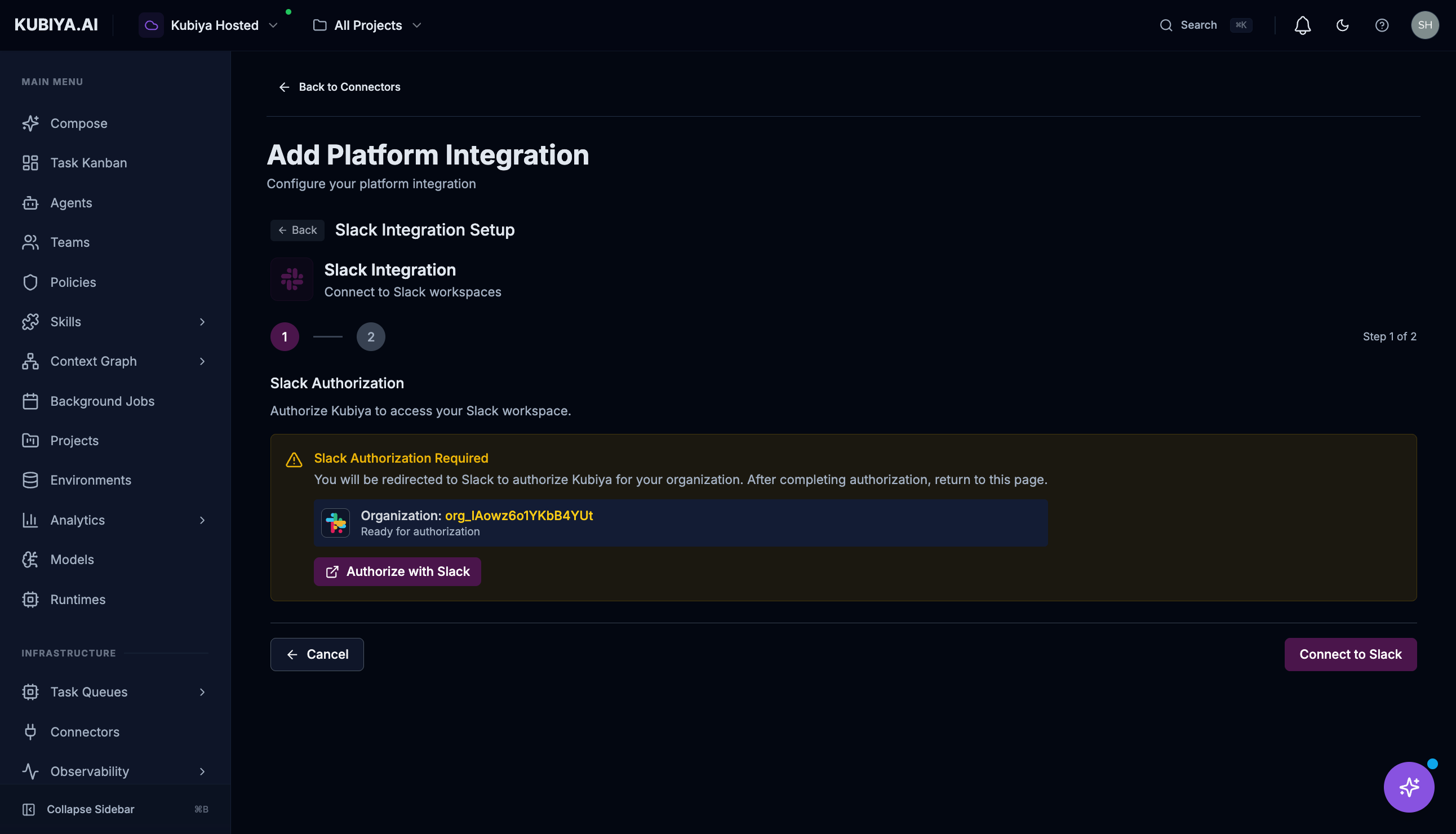
Jira Connector
Connect to Atlassian Jira for project and issue tracking.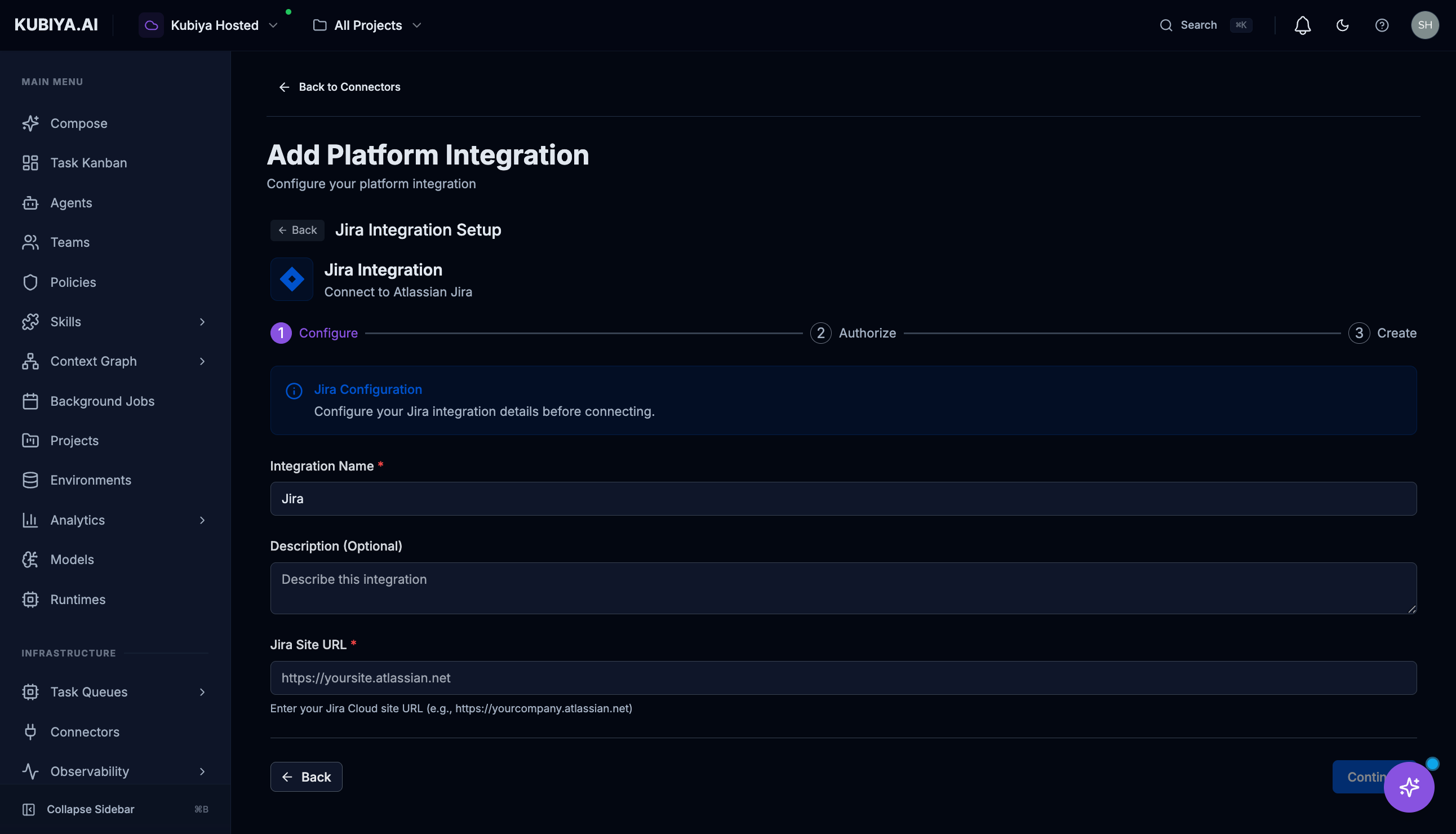
Kubernetes Connector
Connects to Kubernetes clusters for container management. Requires a runner deployed in your cluster with appropriate RBAC permissions. See Workers for runner deployment instructions.OAuth Integrations
Connect to 40+ supported services through OAuth:- Collaboration: Slack, Notion, Asana, Monday.com
- Monitoring: Datadog, PagerDuty, New Relic
- Finance: Stripe, QuickBooks
- Sales: Salesforce, HubSpot
- And many more…
Managing Connectors
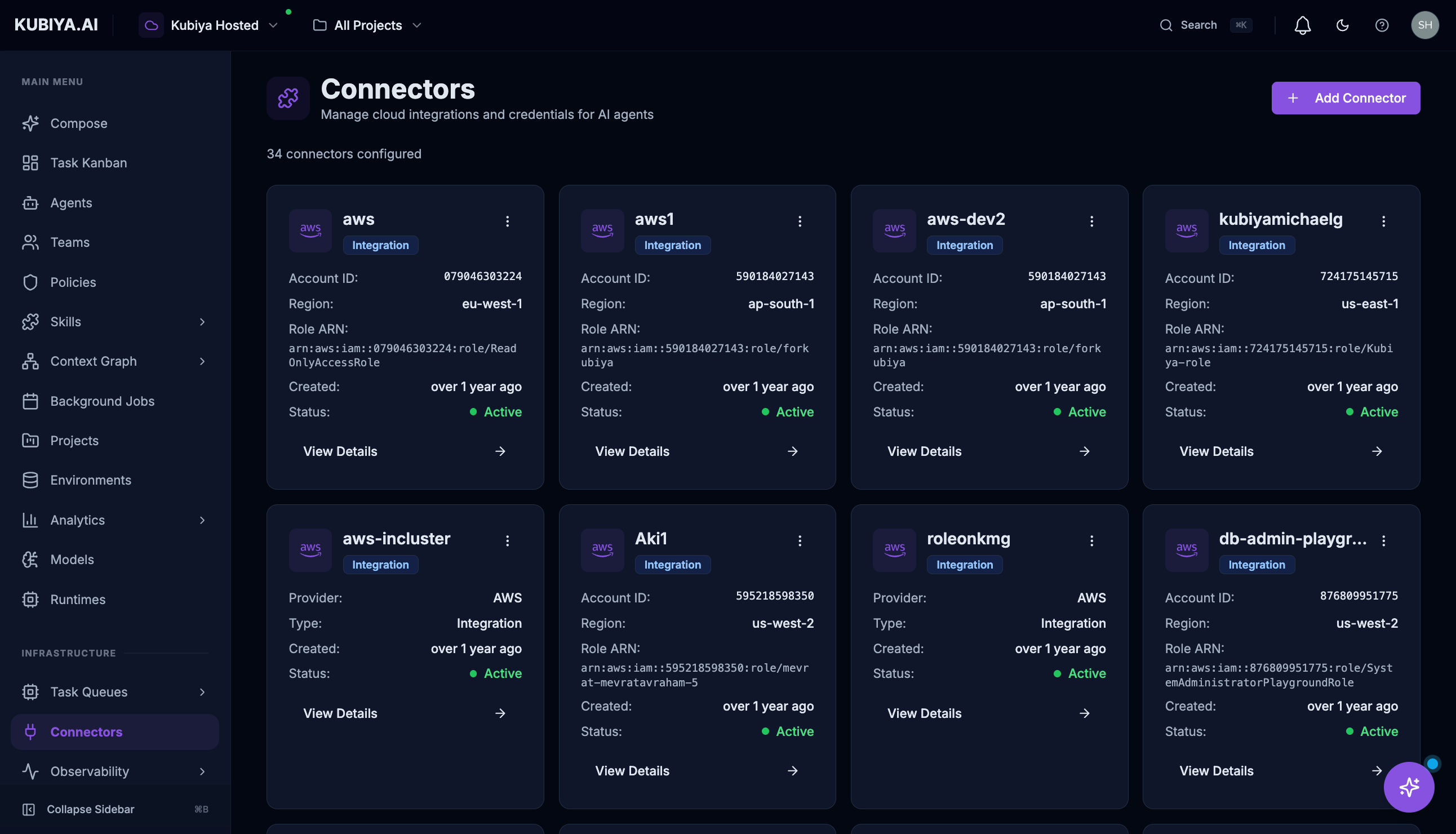
Each connector card displays:- Status — Connected, disconnected, or error state
- Provider — The service type (AWS, GitHub, Slack, etc.)
- Created — When the connector was added
- Details — Configuration specifics like Account ID, Region, Role ARN
- View Details — See full configuration
- Settings — Modify credentials or permissions
- Refresh — Validate the connection
- Delete — Remove the connector (via menu)
Security
- All credentials are encrypted at rest and in transit
- Credentials are never exposed to end users or in logs
- OAuth tokens are automatically refreshed when possible
- IAM roles use external IDs to prevent confused deputy attacks
- Audit logs track all connector usage by agents
Best Practices
- Principle of Least Privilege — Grant connectors only the permissions agents need
- Use IAM Roles for AWS — Avoid long-lived access keys when possible
- Prefer GitHub Apps — More secure and auditable than personal OAuth tokens
- Regular Rotation — Rotate credentials periodically for non-OAuth connectors
- Monitor Usage — Review audit logs to understand how connectors are being used
What’s Next
- AWS Integration — Connect your AWS account with IAM trust relationship
- GitHub Integration — Detailed GitHub connector setup
- Jira Integration — Connect Jira for issue tracking
- Slack Integration — Enable Slack messaging for agents
- Ingestion Sources — Populate the Context Graph with your infrastructure data
- Meta Agent Tools — See what tools connectors enable