

Tool Categories
How Tools Work
When you interact with the Meta Agent, tools are invoked transparently through the MCP (Model Context Protocol):Enabling Connectors
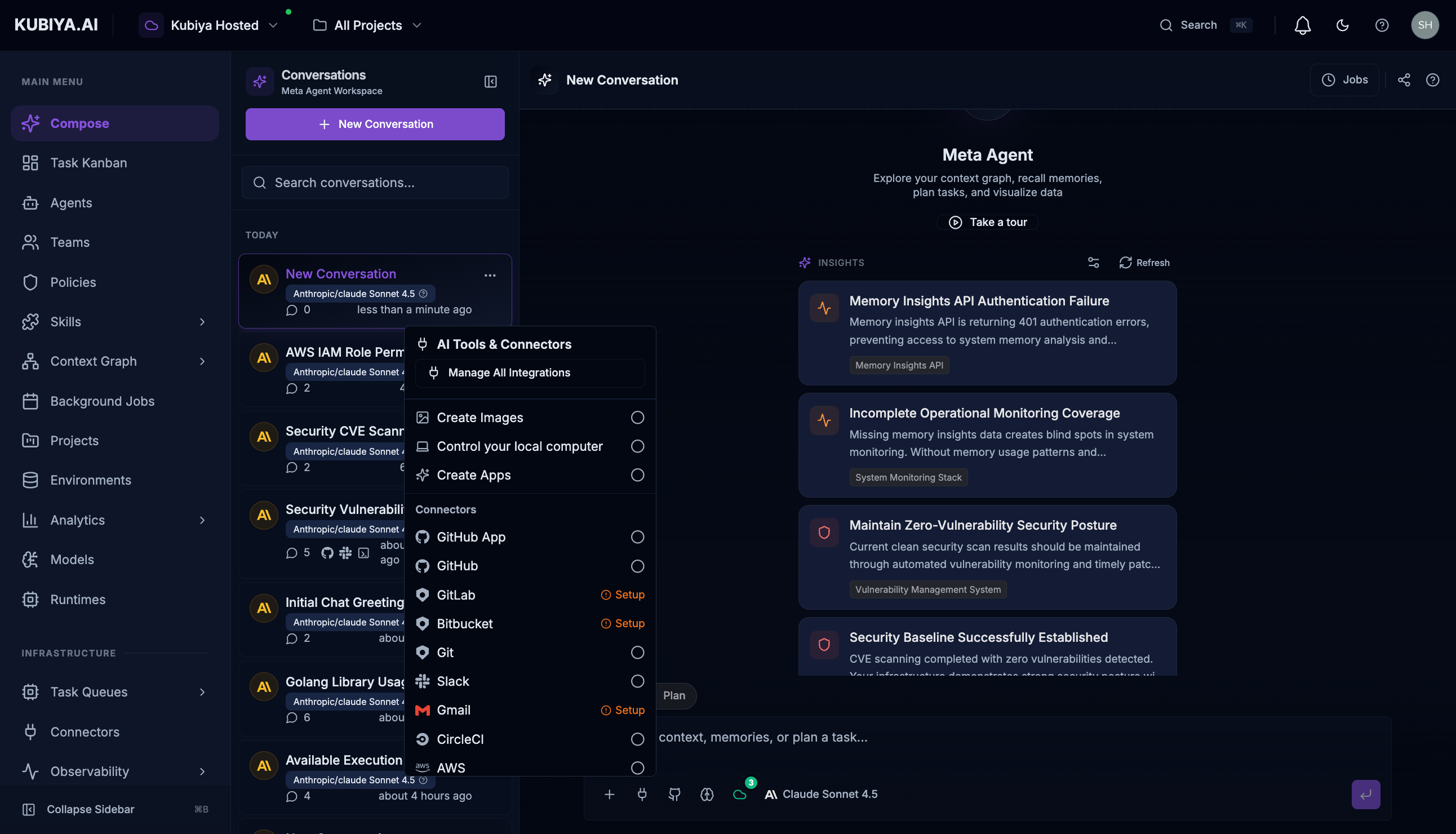
To access connector-based tools, enable them in the chat interface:- Click the connectors menu (plug icon) in the input bar
- Select the connectors you need from the dropdown
- Some connectors may require initial setup (OAuth flow, API keys, etc.)
- Once enabled, the Meta Agent will have access to those tools for the conversation
What’s Next
Explore each tool category to learn about available capabilities:- Platform Tools - Manage agents, teams, environments, and executions
- Context Graph Tools - Query and modify the knowledge graph
- Cognitive Memory Tools - Access organizational memory
- Task Management Tools - Create and track tasks
- Connector Tools - Integrate with external services
- Sandboxed Execution - Execute code safely