

How Semantic Search Works
Traditional Keyword Search vs Semantic Search
Keyword search looks for exact word matches:The Semantic Search Pipeline
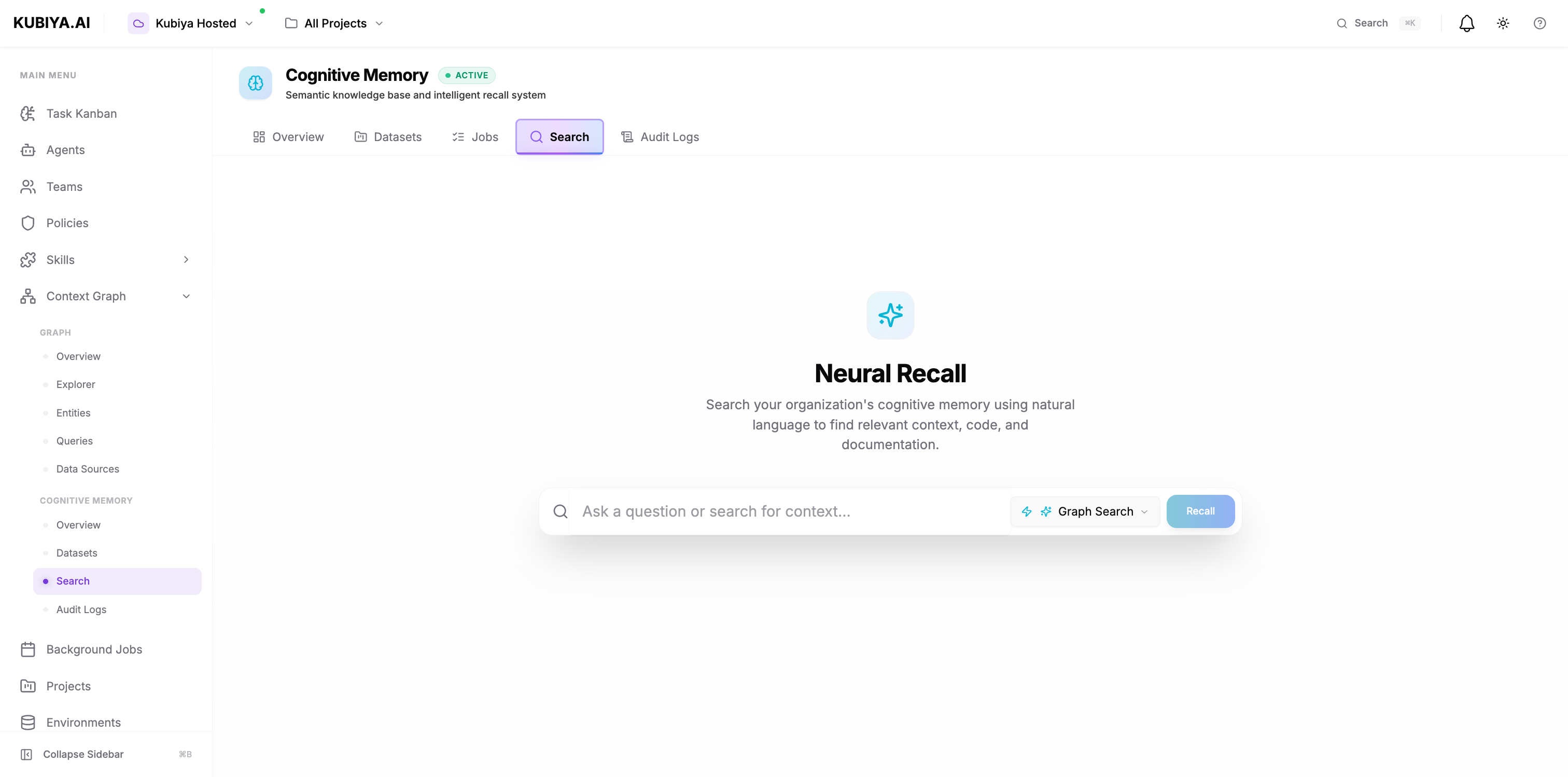
Search Types
Cognitive Memory supports multiple search strategies:CHUNKS (Default)
Basic semantic search returning matching content chunks. Best for:- Quick lookups
- Specific fact retrieval
- Simple Q&A
GRAPH_COMPLETION
Traverses the knowledge graph to find connected entities and relationships. Best for:- Understanding context
- Discovering related concepts
- Following relationship chains
- Returns direct matches plus related entities (services, databases, configs)
TEMPORAL
Time-aware search that considers when memories were created. Best for:- Recent incidents
- Historical analysis
- Trend identification
- Returns only memories within specified time range
FEEDBACK
Learns from user interactions and feedback to improve results. Best for:- Personalized search
- Iterative refinement
- Learning user preferences
- Improves results based on relevance feedback
RAG_COMPLETION
Retrieval-Augmented Generation: Combines search with LLM generation. Best for:- Answering questions with citations
- Summarizing multiple sources
- Generating reports from knowledge
- Returns LLM-generated answer plus source citations
Understanding Similarity Scores
Similarity scores range from 0.0 (no match) to 1.0 (perfect match).Search via CLI
Agent Memory Recall
Agents automatically use semantic search when recalling memories: Behind the scenes:- Agent’s
recall_memory()method calls semantic search - Searches in environment-based dataset (e.g., “production”)
- Returns memories from same org (shared knowledge)
- Agent uses results to inform next actions
Search Best Practices
Query Formulation
Good queries:- ✅ “how to increase kubernetes pod memory limits”
- ✅ “common causes of database connection timeouts”
- ✅ “steps to debug api gateway 502 errors”
- ❌ “error” (too vague)
- ❌ “fix it” (no context)
- ❌ “kubernetes” (too broad)
- Use natural language questions
- Include context and specifics
- Describe the problem, not just keywords
- Mention relevant systems/services
Result Evaluation
- Check similarity scores - Prefer results ≥ 0.70
- Review metadata - Filter by relevant tags
- Verify recency - Older solutions may be outdated
- Cross-reference - Compare multiple high-scoring results
- Attribute sources - Check which agent/user stored it
Iterative Refinement
If results aren’t satisfactory:- Start broad: “deployment issues”
- Add specificity: “kubernetes deployment rollout stuck on pending status”
- Apply filters: Filter by cluster, time range, or metadata
Performance Optimization
For fast queries:- Limit results to 10-20
- Use CHUNKS search type
- Search within specific datasets
- Increase limit to 50-100
- Use GRAPH_COMPLETION
- Search across multiple datasets
- Use TEMPORAL search type
- Apply recent time range
- Filter by recency
Common Patterns
Incident Response
Search for similar past incidents using natural language queries:- Query: “api gateway 503 errors in production”
- Filter by incident type and severity
- Review resolutions and root causes from high-scoring results
Runbook Lookup
Find relevant procedures and runbooks:- Query: “how to scale database during peak traffic”
- Search in sre-runbooks dataset
- Apply solutions from similar scenarios
Knowledge Discovery
Explore related concepts using GRAPH_COMPLETION:- Discover connections between services, issues, and solutions
- Follow relationship chains to understand dependencies
- Group results by topic or metadata
Troubleshooting
No Results Found
Possible causes:- Dataset is empty or doesn’t contain relevant memories
- Query is too specific or uses unusual terminology
- Filters are too restrictive
- Broaden your query
- Search across all datasets instead of one
- Remove restrictive filters
- Check if dataset contains relevant memories
Low-Quality Results
Possible causes:- Query is too vague
- Memories lack detail or context
- Need more data in dataset
- Make queries more specific
- Add metadata when storing memories
- Use RAG_COMPLETION for synthesized answers
Slow Search
Possible causes:- Large dataset
- Complex graph traversal
- High result limit
- Use CHUNKS search type instead of GRAPH_COMPLETION
- Lower result limit (10 instead of 50)
- Search within specific dataset instead of all datasets
Next Steps
Datasets
Learn about dataset organization
Context Graph
Explore the broader Context Graph
CLI Reference
Complete CLI command reference
SDK Reference
Python SDK integration guide